
Canceling a meetergo meeting as an attendee
Cancel a booked meetergo appointment as an attendee using the cancellation link from your email, no login required.
As an attendee, you may sometimes need to cancel a scheduled appointment. This article will guide you through the simple process of canceling your meeting, ensuring your host is promptly notified of the change.
 1 / 5
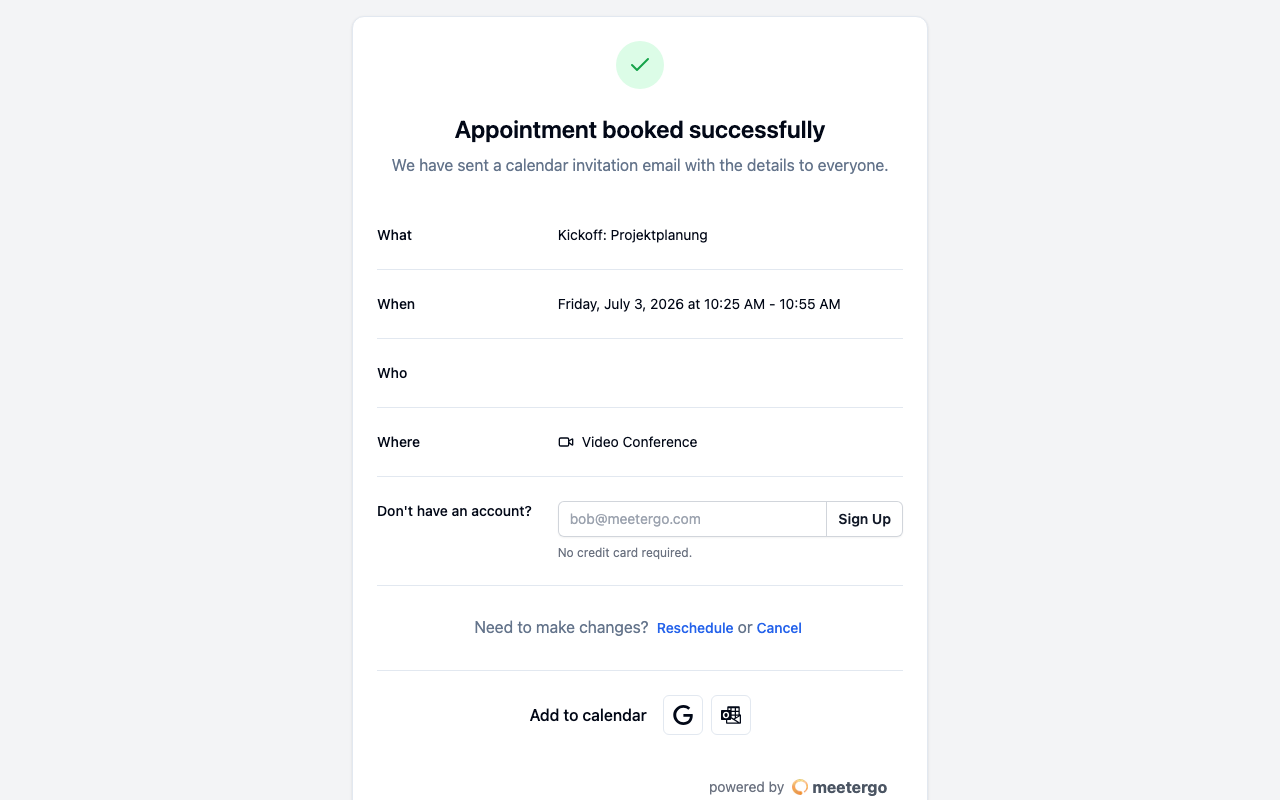
1 / 5Open the appointment confirmation from your email or calendar invite. The same page contains the attendee action to cancel the meeting.
Open the cancellation link
Open your appointment confirmation
Open the appointment confirmation from your email or calendar invite. The same page contains the attendee action to cancel the meeting.
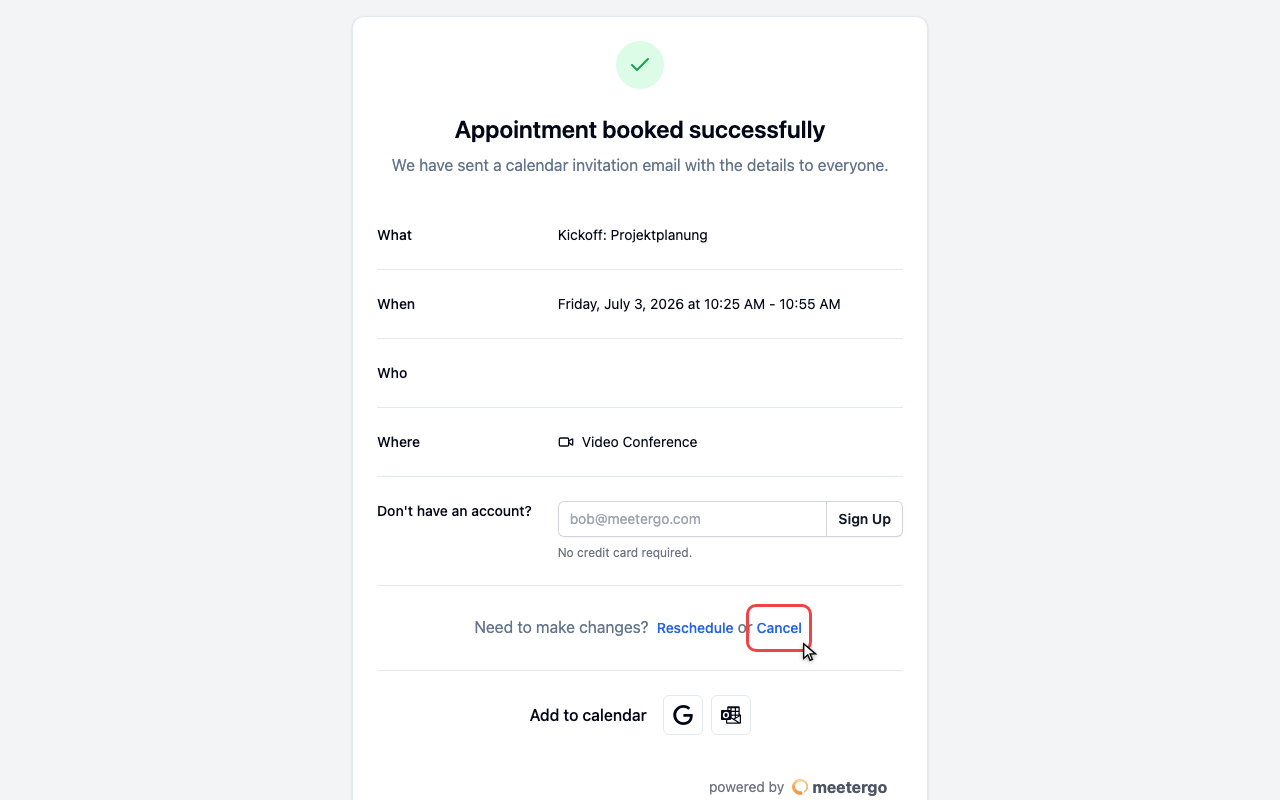
Click Cancel
Use the Cancel action or the cancellation link from your email when you can no longer attend the booked time.
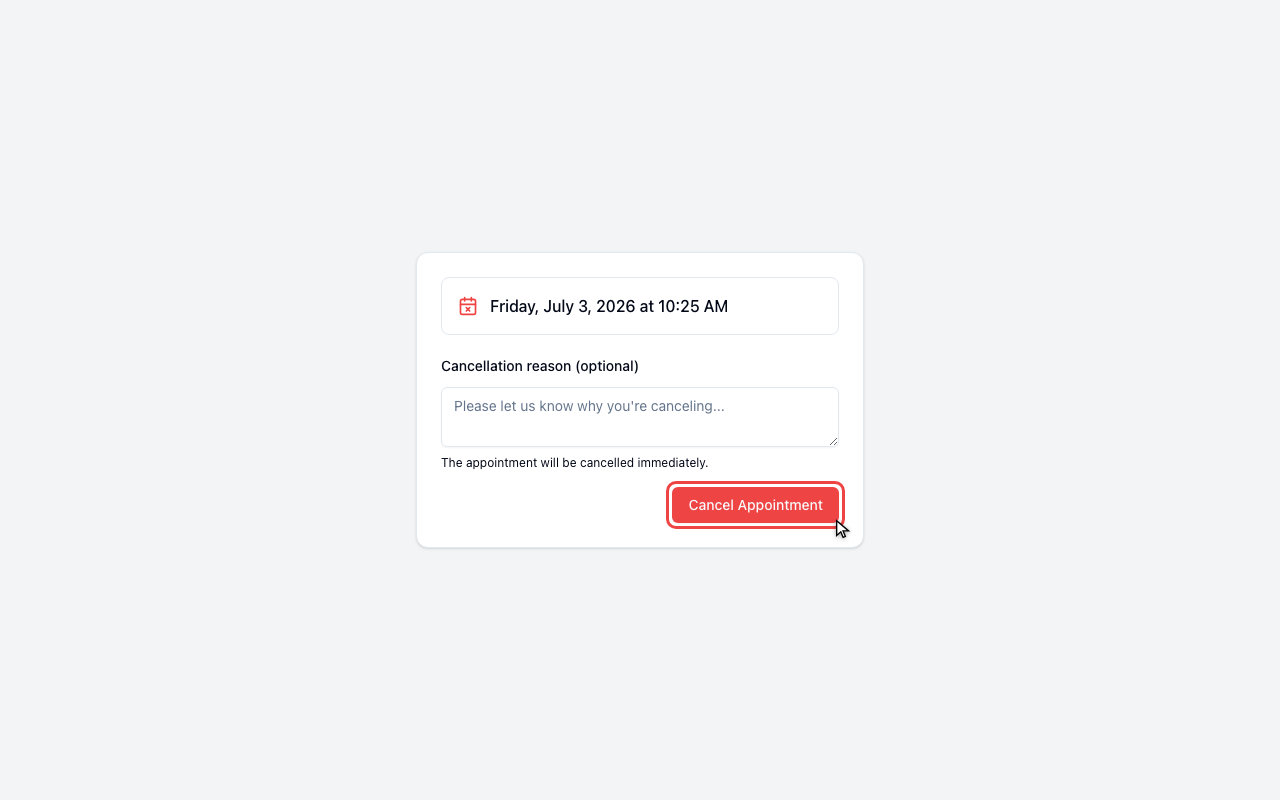
Review the cancellation page
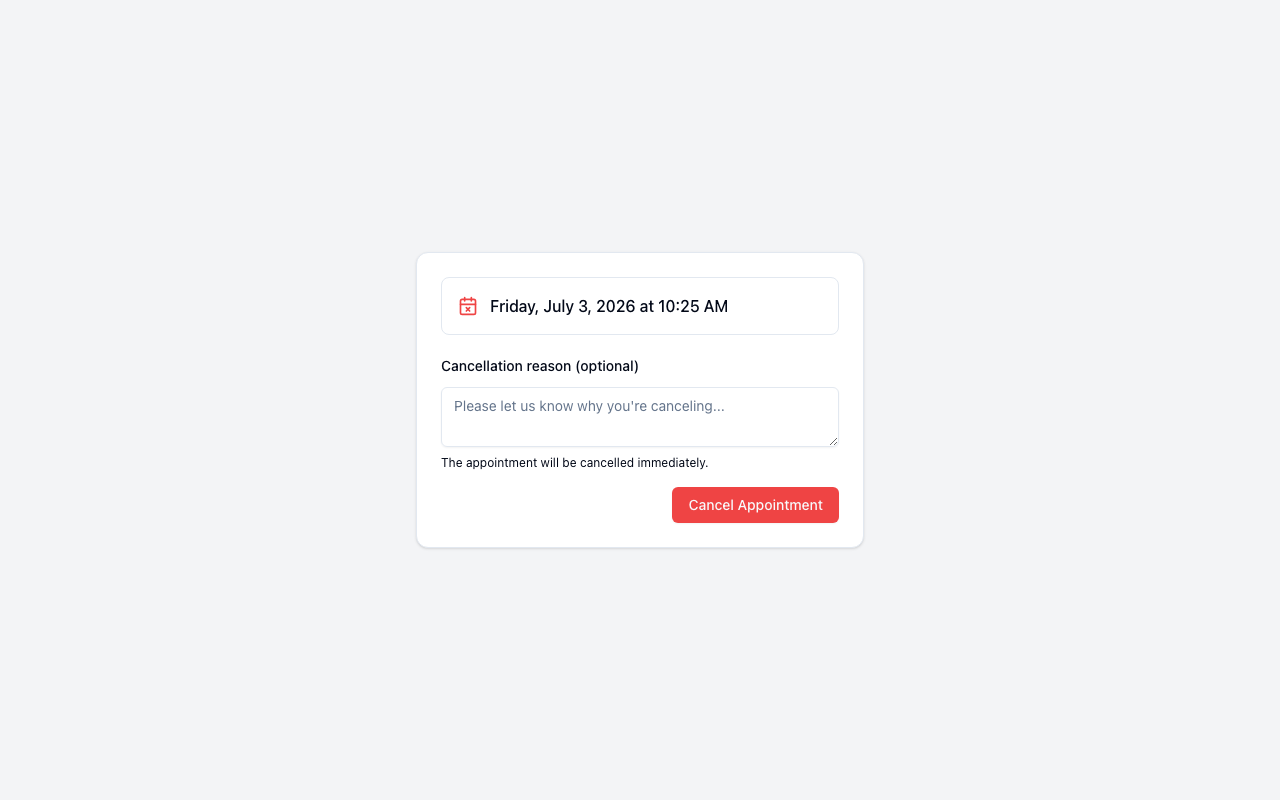
Review the appointment
Check that the date and time belong to the meeting you want to cancel.
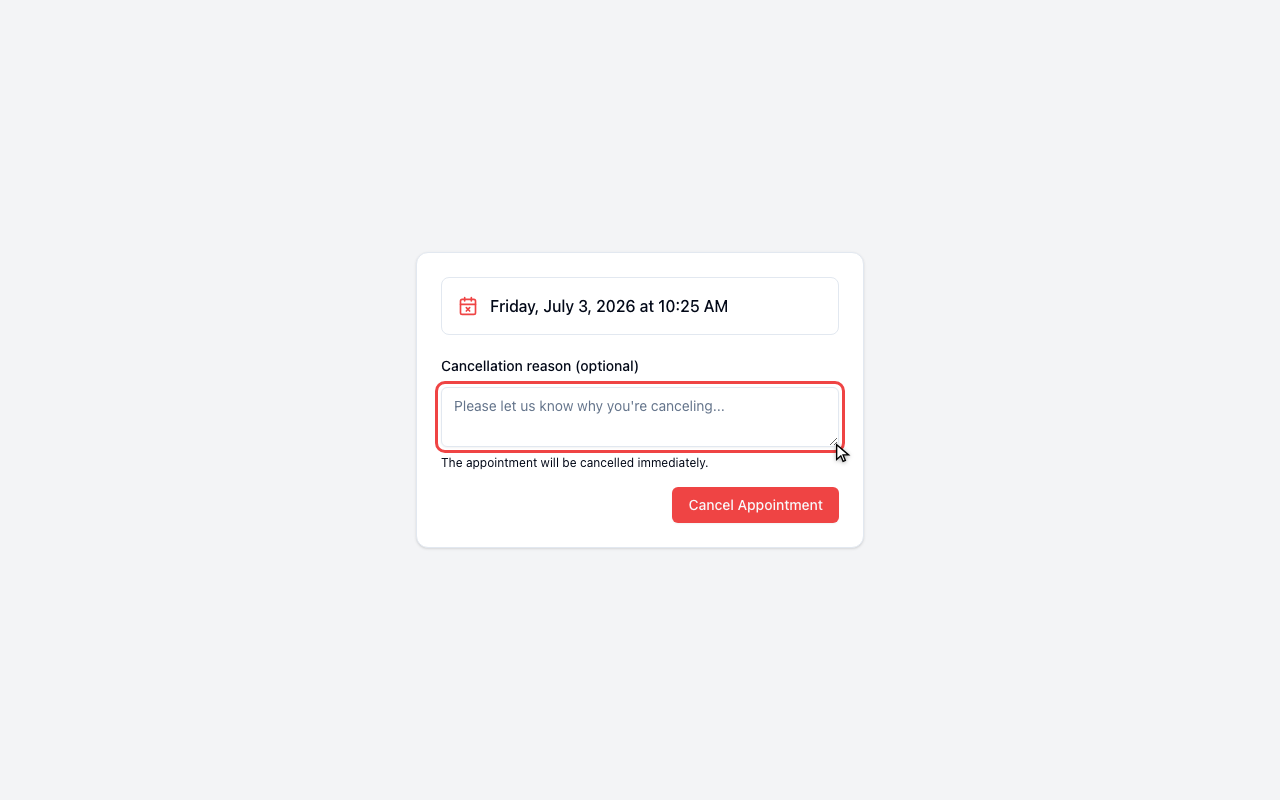
Add an optional reason
Use the cancellation reason field if the host should receive more context.
Confirm only when you are sure
Click Cancel Appointment only after the booking is correct. The host will be notified automatically.
Additional Information
The cancellation process is designed to be quick and straightforward. When you click the cancellation link, you're taken directly to a page where you can manage your meeting. This ensures that you don't need to log in or navigate through multiple pages to make changes.
If you choose to provide a reason for the cancellation, this information will be shared with your host. While it's optional, offering a brief explanation can be helpful for maintaining good communication.
Remember, it's considerate to cancel meetings as soon as you know you can't attend. This allows the host to adjust their schedule or potentially offer the time slot to someone else.
Cancel dates in a series
The linked date appears at the top. Expand the list below to see your other future dates and cancel one individually, even if the linked date has passed or its cancellation deadline has expired.
Choose Cancel all remaining appointments to cancel every remaining date outside the host's cancellation deadline. Dates inside that deadline stay booked. You get one summary email listing the cancelled dates, unless your host's calendar already sent you a cancellation for every date. In a group meeting, other attendees keep their bookings.
FAQ
What if I can't find the cancellation link?
If you can't locate the cancellation link in your email or calendar invite, check your spam or junk folder. If you still can't find it, reach out to your host directly for assistance.
Can I reschedule instead of canceling?
The cancellation link is specifically for canceling bookings. If you need to reschedule, use the reschedule link in your confirmation email instead. See rescheduling a meeting as an attendee.
Will the host be notified immediately when I cancel?
Yes, as soon as you confirm the cancellation, meetergo automatically sends a notification to your host. You don't need to send a separate message to inform them.
Can I undo a cancellation?
Once an booking is canceled, it cannot be reinstated through the cancellation link. If you've canceled by mistake, you'll need to schedule a new meeting with your host.
Was this article helpful?
Let us know if this article answered your questions.
Related articles
- Booking Analytics and InsightsTrack booking performance with completed events, no-shows, conversion metrics, and team analytics
- Calendar View: Managing Appointments and AvailabilityNavigate the calendar, compare team schedules, create blockers, choose which event types and card rows are shown, colour appointments by meeting type, and show event titles from connected calendars instead of Private Event.
- Host ApprovalRequire hosts to confirm bookings before they're finalized, set the approval expiry window, and approve or decline requests.
- How to Show Cancellation Reason in EmailsLearn how to display the cancellation reason in your email notifications when a meeting is cancelled.