
Managing No-Shows and Improving Meeting Insights
Mark attendees as no-show, track attendance patterns in analytics, and export no-show data to reduce missed meetings.
Someone didn't show up to your meeting but didn't cancel? No problem! You can mark attendees as No-Show and get better insights into your meetings. This feature helps you track attendance patterns and optimize your scheduling strategy.
 1 / 7
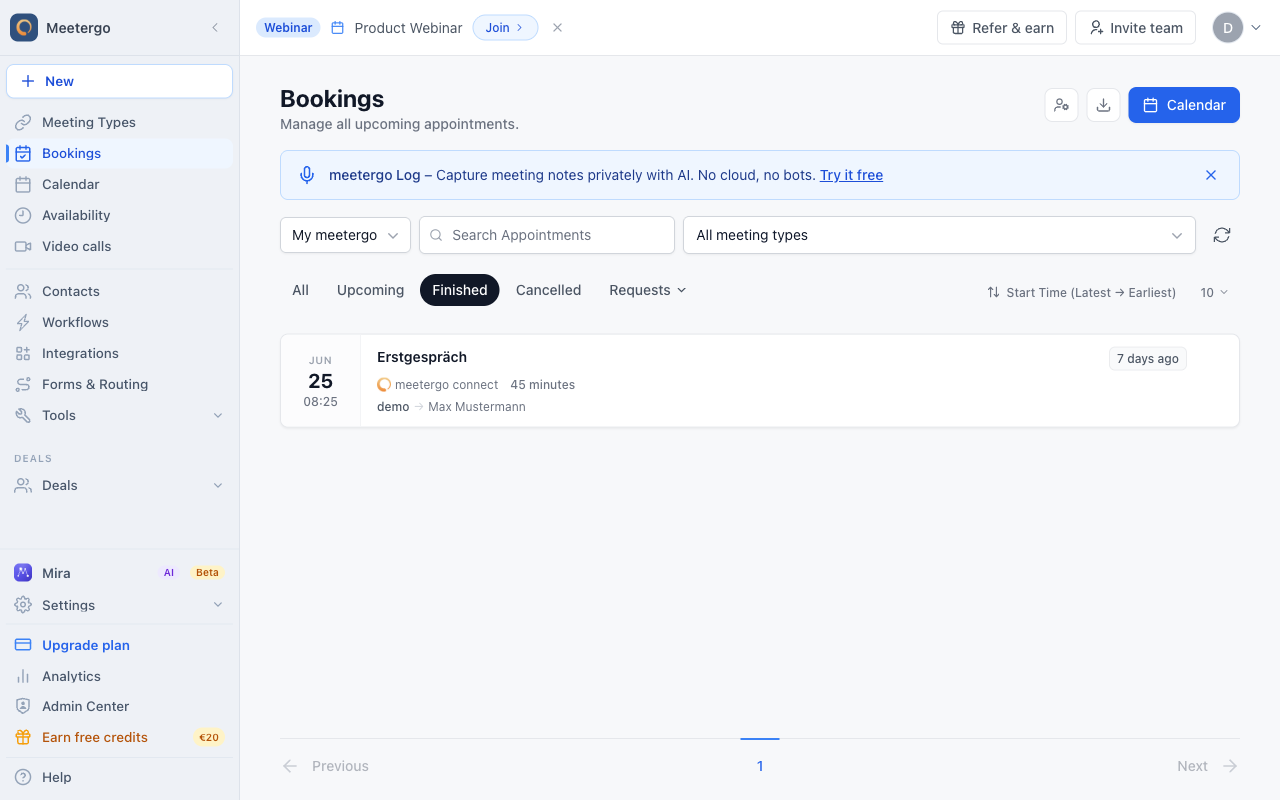
1 / 7Select the past appointment whose attendee did not show up.
Mark attendees as no-show
Find the missed meeting
Select the past appointment whose attendee did not show up.
Open the appointment details
Open the appointment to review the attendee details before changing the no-show status.
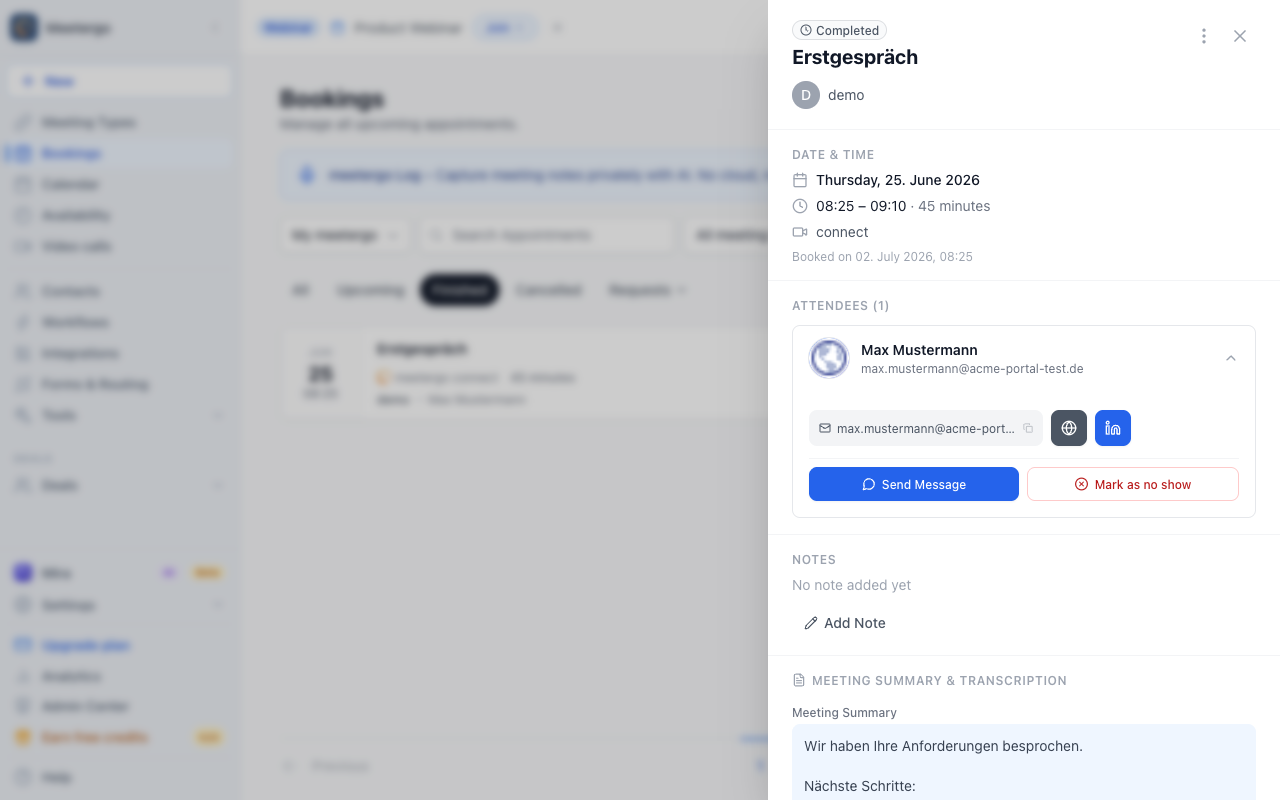
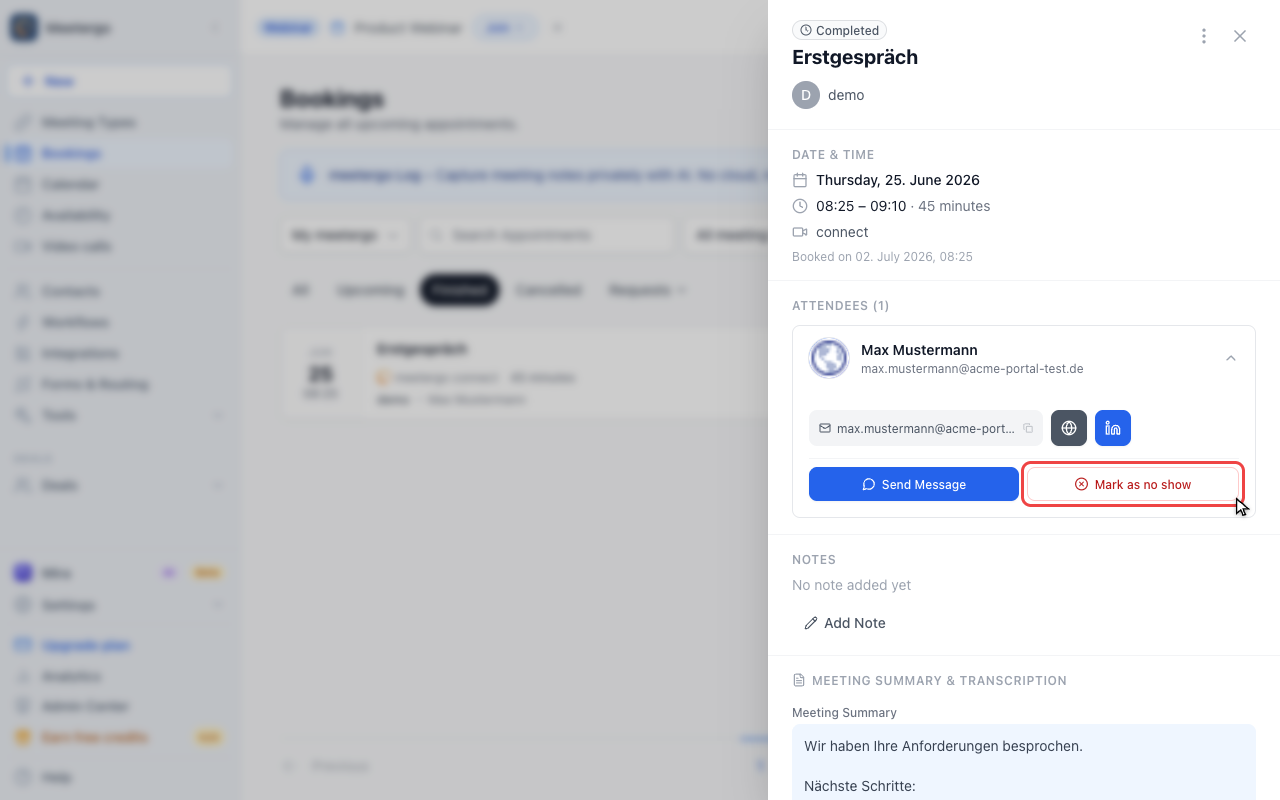
Use Mark as no show
Click Mark as no show when the attendee missed the meeting. If you marked the wrong attendee later, open the same details panel and undo the no-show status.
Review no-show analytics
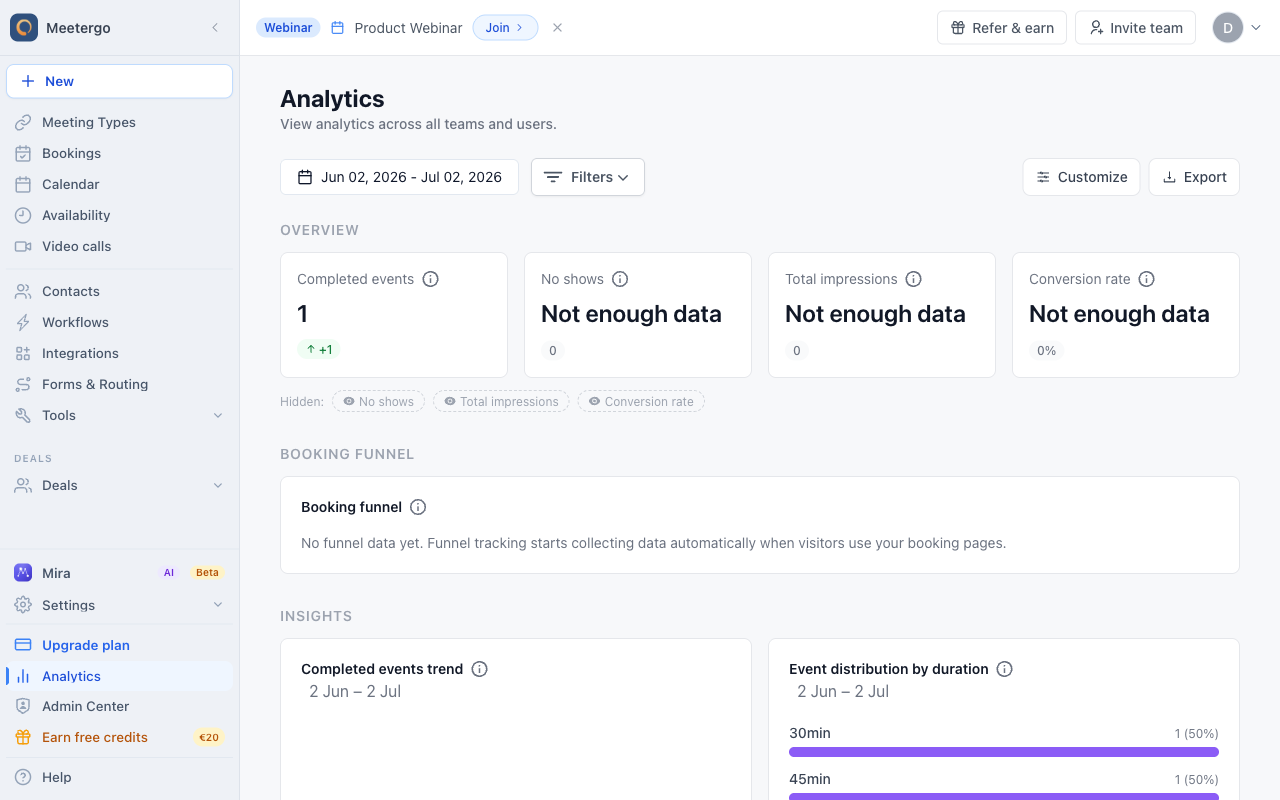
Review the overview metrics
Use the overview to compare completed events with no-shows and other booking performance metrics.
Open Customize
Use Customize when the no-show metric is hidden or when you want to adjust which analytics cards appear.
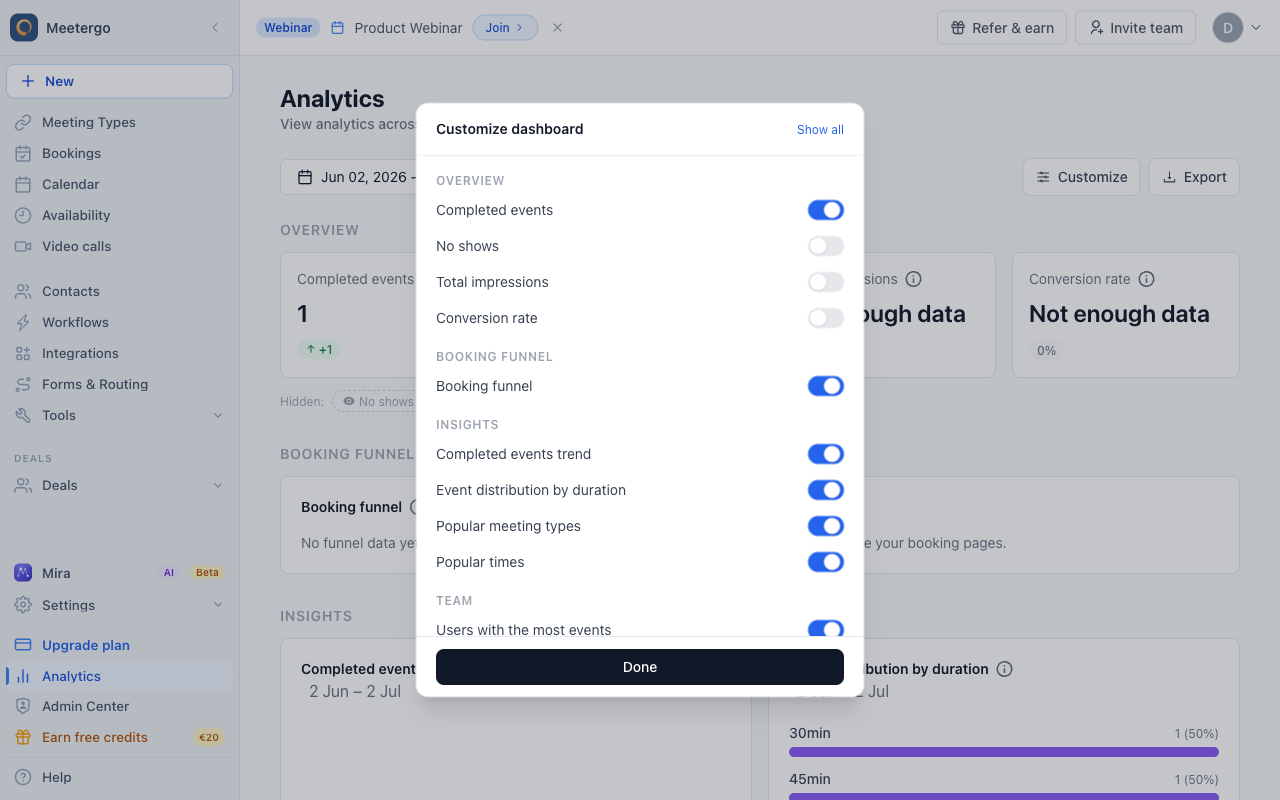
Check the No shows metric
Enable No shows to include missed meetings in the Analytics overview.
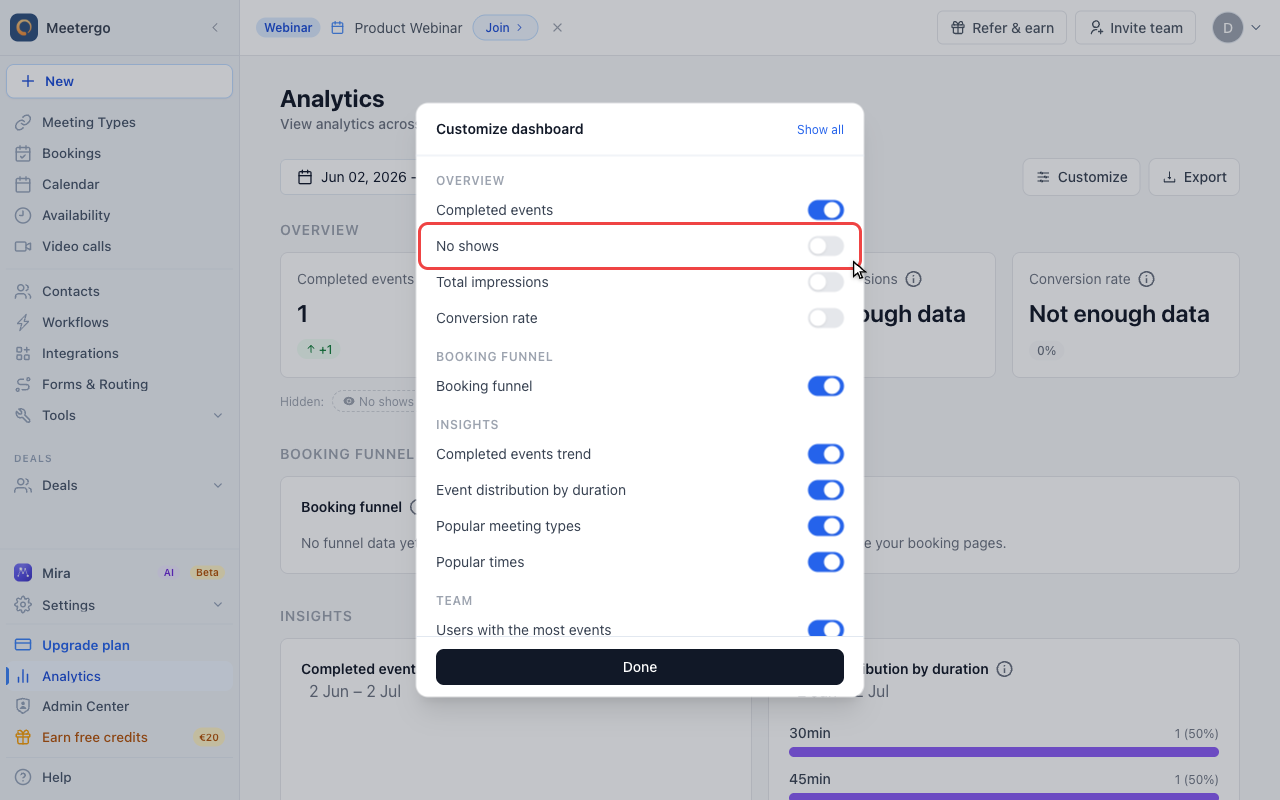
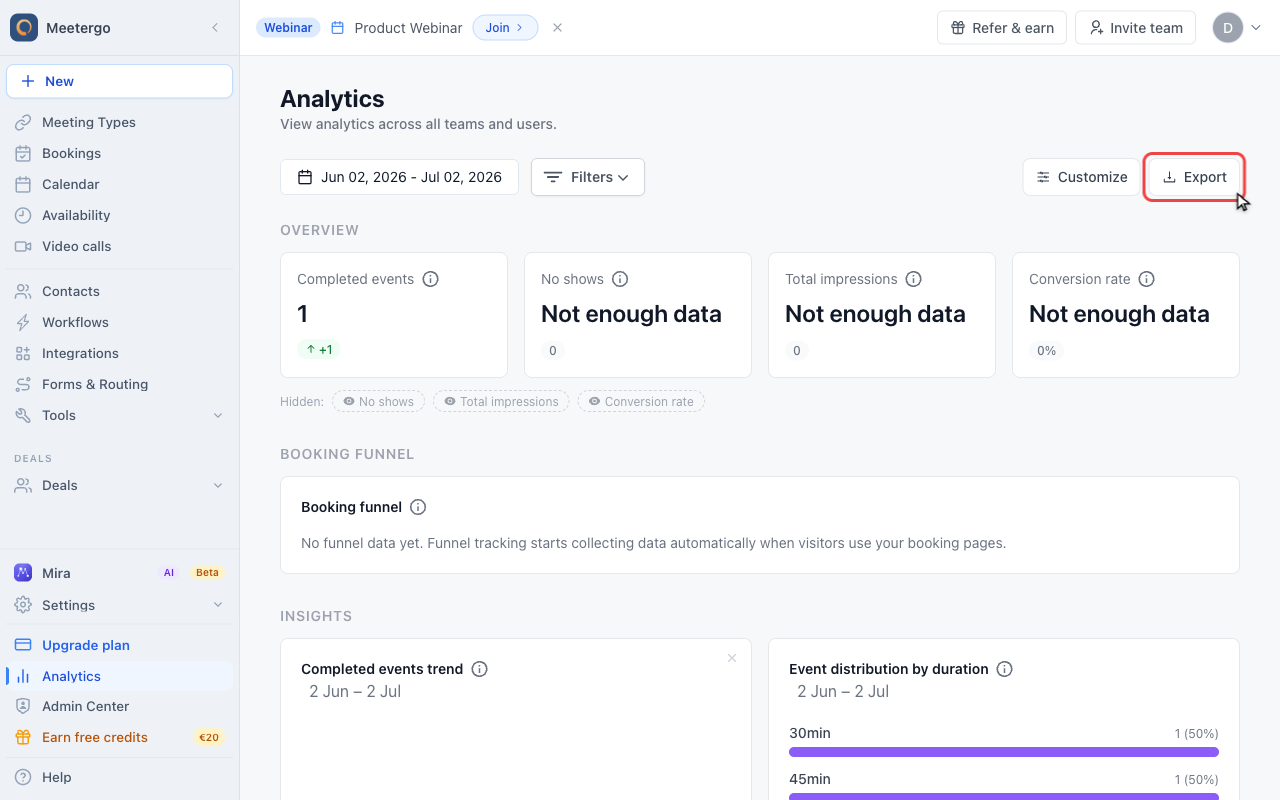
Export analytics data
Use Export when you want to analyze no-show data in a spreadsheet or share it with your team.
You don't have to wait until the meeting is over: Mark as no show is available as soon as the meeting has started.
Mark several bookings at once
Choose Select above the list, then tick each booking that has started or choose Select all. In the bottom toolbar, open More actions, choose Mark as no-show and confirm. Every attendee of those bookings is marked, and the no-show is counted on their contacts.
Bookings that have not started yet, cancelled ones and ones already marked stay as they are. The dialog tells you how many will change. To remove a no-show again, use the booking's own menu.
Benefits of Tracking No-Shows
- Identify patterns: Spot days or times when no-shows are more frequent
- Improve scheduling: Use insights to optimize your availability
- Follow up effectively: Reach out to frequent no-shows to reduce future occurrences
- Enhance productivity: Better plan your time around potential no-shows
Tips to Reduce No-Shows
- Send reminders: Use our automated reminder feature to send emails or SMS before appointments
- Offer easy rescheduling: Provide a simple way for attendees to reschedule if they can't make it
- Collect confirmations: Ask attendees to confirm their attendance a day before the meeting
- Educate clients: Explain the importance of showing up or canceling in advance
By consistently marking no-shows and analyzing the data, you'll gain practical insight into attendance patterns, scheduling quality, and follow-up needs.
FAQ
Can I remove the no-show status after marking someone?
Yes! Simply click the same "..." button next to the appointment and select the option to remove the no-show status. This gives you flexibility to correct any mistakes.
How far back can I view no-show analytics?
You can adjust the time range in your analytics dashboard to view no-show data for any period. This helps you identify long-term trends and seasonal patterns in your no-show rates.
Will marking someone as no-show affect their future bookings?
No, marking someone as no-show is purely for your analytics and record-keeping. It doesn't prevent them from booking future appointments with you through meetergo.
Can I export my no-show data?
Yes, you can export your analytics data including no-show information from the analytics dashboard. This helps you analyze trends in external tools or share insights with your team.
For a per-attendee list rather than aggregated numbers, use the booking export and tick Include no-show status: Export bookings and attendee lists as CSV (Excel).
Was this article helpful?
Let us know if this article answered your questions.
Related articles
- Booking Analytics and InsightsTrack booking performance with completed events, no-shows, conversion metrics, and team analytics
- Calendar View: Managing Appointments and AvailabilityNavigate the calendar, compare team schedules, create blockers, choose which event types and card rows are shown, colour appointments by meeting type, and show event titles from connected calendars instead of Private Event.
- Canceling a Booking as a HostCancel a scheduled booking as the host from the bookings list, add an optional reason, and notify the attendee automatically by email.
- Canceling a meetergo meeting as an attendeeCancel a booked meetergo appointment as an attendee using the cancellation link from your email, no login required.